
GG77 Login
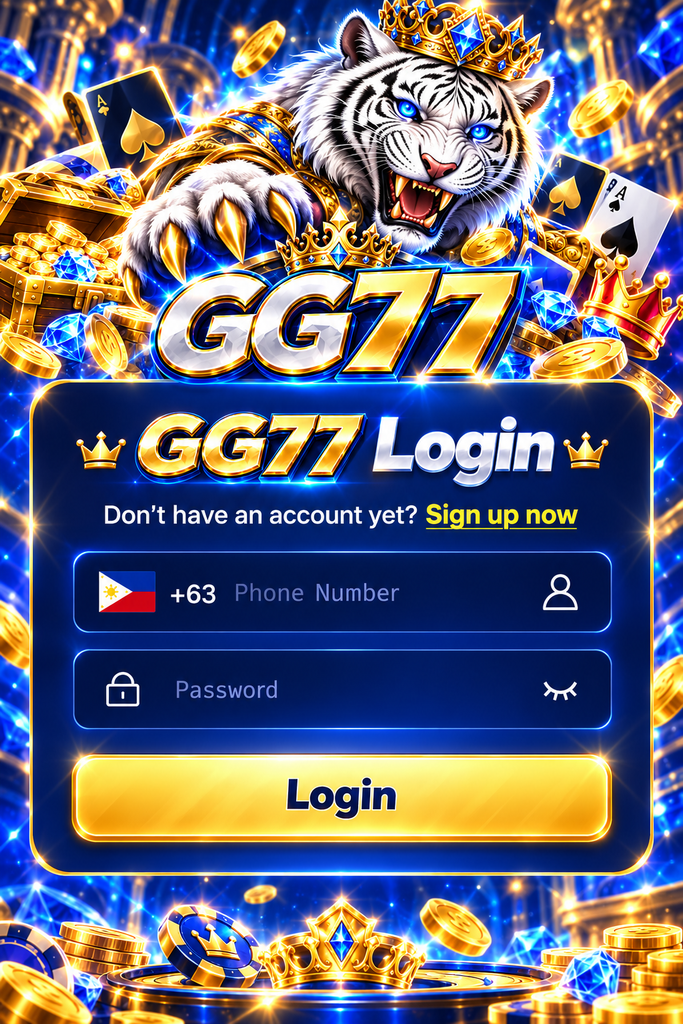
GG77 Login – Secure Account Access Guide for Filipino Players
GG77 Login is the account sign-in section associated with the gg77 gaming platform. This guide helps Filipino users understand the mobile Login process, avoid common password errors, and protect their personal information when accessing an existing account.
For players using Android smartphones, iPhones, or desktop browsers, a reliable Login experience begins with entering the correct credentials and confirming that the website is authentic.
Whether you are returning after a long break or switching to a new device, knowing how to handle account verification and Login problems can help prevent unnecessary account restrictions.
How to Access GG77 Login in the Philippines
The GG77 Login interface is designed around a straightforward account access process. The illustrated mobile interface includes a Philippine phone number field, a password field, and a Login button.
Users should confirm that these features match the verified live platform before submitting personal information.
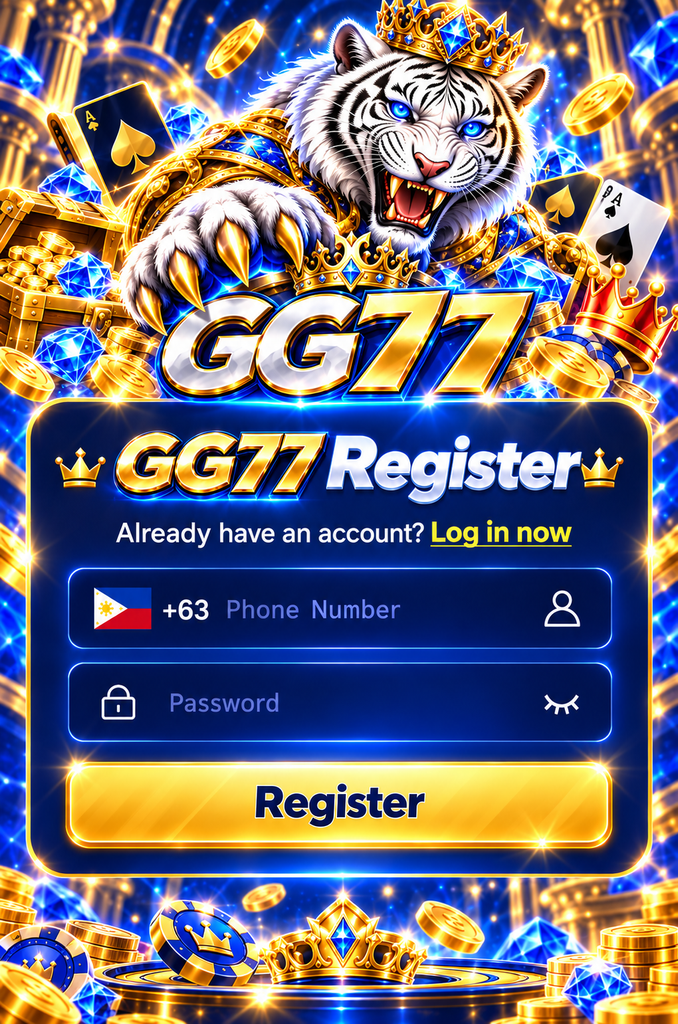
Steps to Sign In to Your Account
- Open the verified gg77 platform through a trusted browser or authorized application.
- Locate the Login button on the main screen.
- Enter your registered Philippine mobile number using the required format.
- Type your password carefully, paying attention to uppercase letters and special characters.
- Select Login and complete any additional verification requested by the service.
- Check that your account information appears correctly after signing in.
Users who have not registered should select Register rather than attempting to access an existing account.
Philippine Mobile Number Format
Many mobile services in the Philippines use the international country code +63 for account identification.
| Number Format | Example |
|---|---|
| Local Mobile Number | 0917 123 4567 |
| International Format | +63 917 123 4567 |
| Country Code | +63 |
| Login Identifier | Registered phone number |
The examples above illustrate Philippine numbering conventions. The exact format accepted by gg77 must be confirmed on its active Login form.
GG77 Login Problems and Practical Solutions
A failed Login does not necessarily mean that an account has been suspended. Small mistakes, unstable internet connections, and incomplete verification are common reasons users cannot access online services.
Common Login Errors
| Problem | Recommended Action |
|---|---|
| Incorrect Password | Check spelling and capitalization |
| Invalid Phone Number | Confirm the registered number and format |
| Page Not Loading | Check mobile data or Wi-Fi |
| Verification Code Missing | Check signal strength and wait before retrying |
| Account Temporarily Locked | Stop repeated attempts and contact verified support |
| Login Session Expired | Sign in again through the authentic platform |
If a problem continues after basic troubleshooting, avoid submitting the same credentials repeatedly.
What If the Login Page Keeps Refreshing?
An outdated browser, corrupted cookies, or an interrupted connection may prevent the Login page from loading correctly.
Try refreshing the page, updating your browser, or reconnecting to a stable network.
If the issue occurs only on an installed application, check whether a newer authorized version is available.
Never install an unfamiliar APK simply because it claims to fix account access problems.
GG77 Password Recovery and Account Verification
Forgetting a password is a common issue, especially for users who rely on automatic sign-in.
A legitimate recovery process should verify account ownership before allowing a password change.
How to Recover Access
Look for a Forgot Password or account recovery option on the verified Login page.
If available, follow the instructions using your registered contact information. Depending on the platform’s security procedures, recovery may involve a verification code, email confirmation, or additional identity checks.
Once access is restored, choose a password that is not used for banking, email, or other personal accounts.
Never disclose a one-time password to someone contacting you through an unfamiliar messaging account.
GG77 Login Security – Protecting Your Account
Account security becomes particularly important when personal information or financial transactions are involved.
Filipino users should verify the platform’s operating authorization before sharing sensitive information.
PAGCOR provides an official service for checking authorized online gaming platforms. GG77’s current authorization has not been independently confirmed, so its regulatory status should not be assumed.
Simple Habits for Safer Account Access
- Use a unique password that combines letters, numbers, and symbols.
- Avoid entering credentials on unfamiliar websites.
- Enable additional authentication when supported.
- Never share passwords or SMS verification codes.
- Sign out after using shared or public devices.
- Review account activity for unfamiliar changes.
If suspicious activity appears, contact the verified support channel and request assistance with securing the account.
GG77 Login on Android and iPhone
Mobile users often encounter different Login experiences depending on their operating system, browser, and internet connection.
Android users may access an authorized mobile website or compatible application, where available. iPhone users may need to rely on browser access if no verified iOS application is provided.
Both methods require attention to secure account access.
Tips for More Reliable Mobile Login
Keep your browser updated and maintain a stable connection while submitting account information.
Avoid switching between mobile data and Wi-Fi during sensitive verification steps, as interrupted sessions may require you to sign in again.
When using public Wi-Fi, consider switching to a trusted private connection before entering sensitive credentials.
Frequently Asked Questions
Why can’t I access my GG77 account?
Incorrect credentials, network problems, security verification, or temporary account restrictions may prevent access. Start by checking your registered information and connection.
Can I use GG77 Login without downloading the App?
Browser Login may be available if the verified operator supports web access. An APK installation should not be necessary unless the operator specifically requires an authorized application.
What should I do if I forget my GG77 password?
Use the official password recovery procedure if available. If recovery cannot be completed, contact verified customer support and follow the account ownership verification process.